Feature Request
Fixed vertical sizing of charts when using the double-click-to-centre, auto and auto-centered modes.
Reason
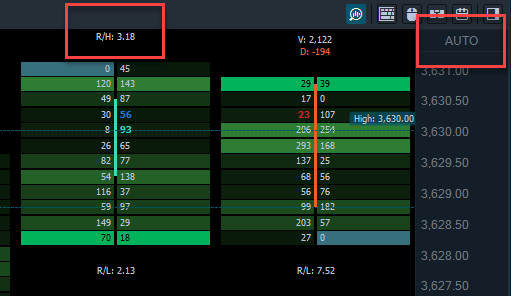
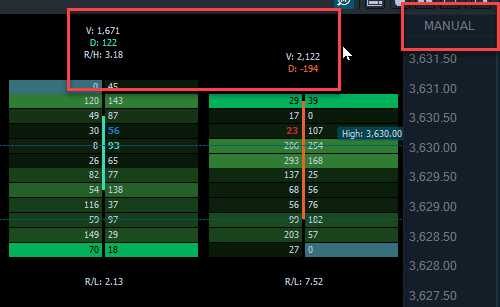
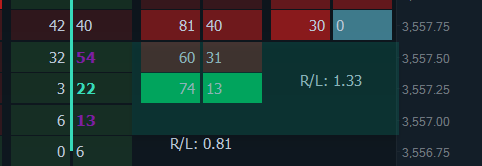
When using Cluster mode, it is important to set the height of the candles so that text and histogram is visible. This is more important that showing the entire candle on the screen. However, it is still necessary to have the current price shown centred, at the top/bottom, or a percentage margin from the top/bottom. Currently if price scrolls off the screen, the height of the candle is adjusted and this messes up the display of the cluster data. The current workaround is to disable auto, and manually drag the chart to show current price.
Feature Request
Increase amount of zoom available on a candlestick cluster chart.
Reason
When viewing a 30m+ cluster chart, the current maximum amount of zoom does not provide adequate width for the histograms to be easily viewed.
Feature Request
Set a time-based alert that can play an alert/display a message/notify Telegram.
Reason
Sometimes I forget the London open is about to start and volatility is expected to increase. It would be nice to set a recurring alarm when routine events happen at a time rather than a price.
Feature Request
When trading from a chart, currently it is necessary to drag the TP/SL icons to the desired location. It would be nice if TP could be clicked once, then clicked again on the chart to set the location.
Reason
It is more difficult to move the mouse accurately while holding a button down. It also feels unnatural. On slower computers or when working in a Remote Desktop session, screen updates may be smoother and quicker if using click/click rather than click/drag/release.
Bug Report
When using an Apple trackpad, the zoom function only works in one direction.
How to replicate
Usually the mouse scroll wheel will increase or decrease the amount of zoom. If you connect through an RDP session from an Apple Macbook and use the trackpad, this behaviour is not correct and it will only zoom out regardless of the direction you try and zoom. i.e. both zoom in and zoom out actions will cause the chart to only zoom out. The current workaround is to use the +/- icons on the chart rather than using the trackpad to zoom.
Feature Request
Adjust the brightness of the outside Value Area sections.
Reason
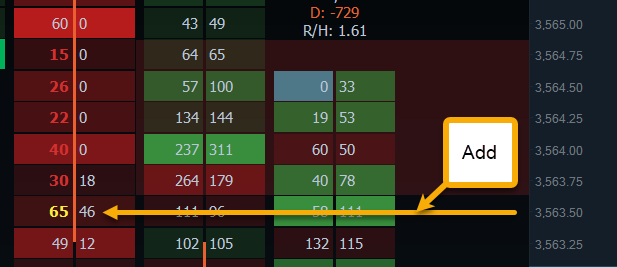
When VA is selected, outside regions are displayed more dimly and there is no control over brightness. Currently I find the brightness setting to be too dark making it hard to see the outside areas against the dark background.
 I’m so used to having charting software snap to high/low properly that this bug is very distracting.